There are two types of companies: those that have already lost data and those that haven't yet. This is not an exaggeration — it's a reality any IT technician would confirm. A failing hard drive, ransomware, an employee who accidentally deletes an entire folder. When it happens, the only thing that matters is when the last backup was taken and whether it works.
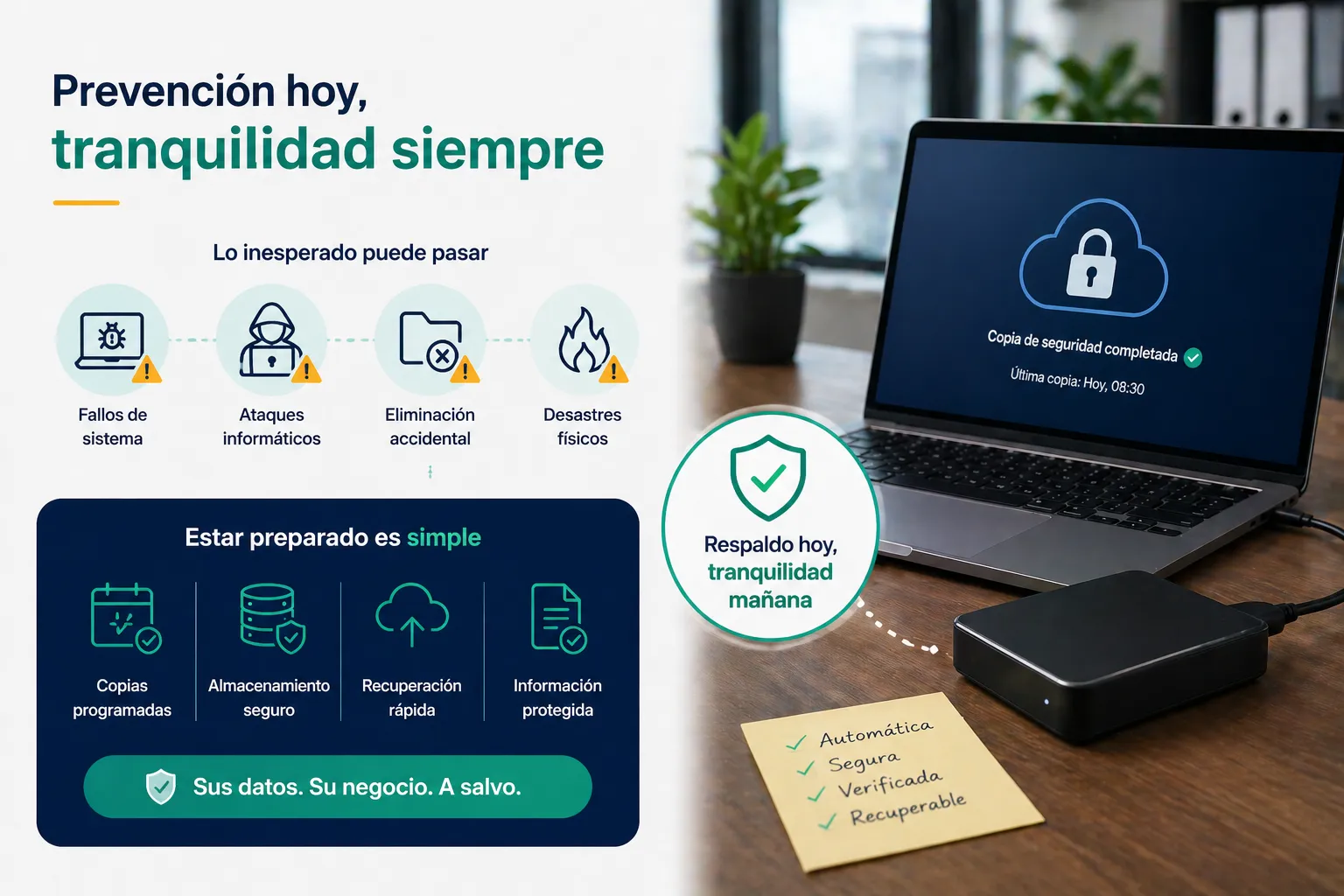
Why do so many businesses not have proper backups?
The most common reason is not ignorance but the urgency of the immediate. Making backups doesn't generate revenue, doesn't solve today's problem and gets postponed indefinitely. Until one day it's too late.
Another frequent reason is false security: "we have the files on the server", "I save them in my email", "I use Google Drive." That is not a backup. It's the original in a different place. If the server fails, if someone deletes the Drive folder, or if the account is compromised, the data disappears all the same.
The 3-2-1 rule: the standard every business should apply
The 3-2-1 rule is the reference standard in backup management and is simple to understand:
- 3 copies of the data: the original plus two backups
- 2 different media: for example, a local server and an external drive
- 1 copy offsite: in the cloud or at a different physical location
If a fire destroys your office, the local copy disappears. If ransomware encrypts your network, the connected external drive may also be affected. The cloud copy is the last line of defence.
How often should you back up?
It depends on how much data your company can afford to lose. If your team generates information all day — orders, invoices, client documents — a daily backup can mean losing up to 24 hours of work in the worst case. In that scenario, the ideal is a backup every few hours for the most critical data.
A common configuration for an SME is:
- Incremental backup every hour of active data
- Full backup daily at 3:00 AM
- Weekly backup to an offsite location
- Minimum 30 days retention
We have backups — how do we know they work?
This is the most neglected point. Having backups is useless if you have never tested that the restore process works. It is recommended to run a restore test at least once per quarter: choose a folder or set of files and verify they can be recovered correctly.
At EstructuraBit we design and implement backup plans tailored to the size and needs of each company, including periodic restore tests. If you want to check whether your company is really protected, get in touch.
Back to blog