A company's network is the backbone of its entire operation. If it's slow, everything is slow. If it isn't secure, the whole business is exposed. And yet, in many SMEs the network is still the router installed by the internet provider five years ago, with no additional configuration. That's not a corporate network: it's a home network with lots of computers connected to it.
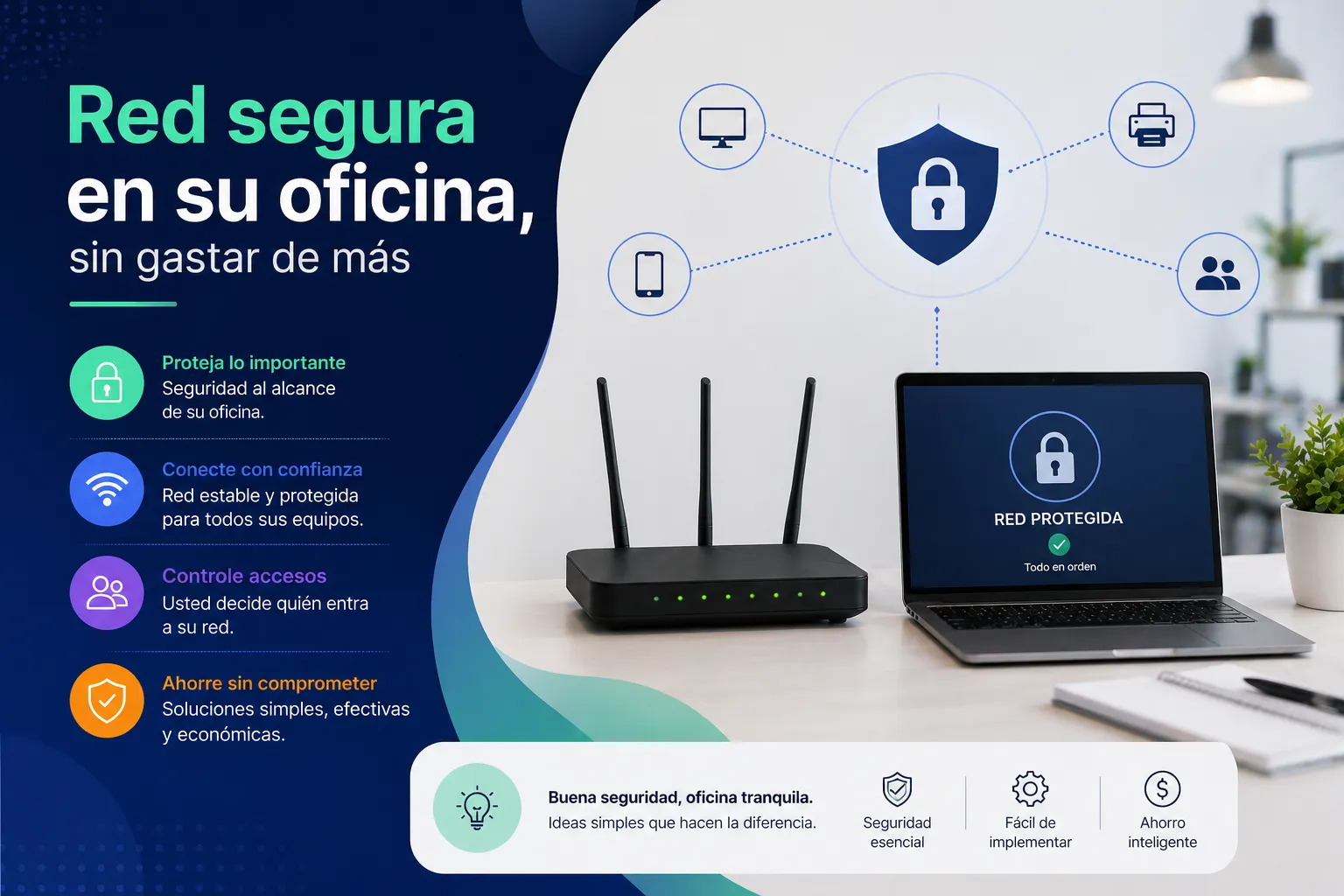
What distinguishes a home network from a corporate network?
A well-designed corporate network includes:
- Network segmentation: employees, servers and guest devices are on separate networks. If one machine gets infected with malware, it can't spread to the server
- Access control: each user connects with their own credentials, not a shared WiFi password that everyone knows
- Properly configured firewall: not the basic one in the router, but rules that define exactly which traffic is allowed and which isn't
- Secure remote access: VPN for employees working from home or on site, without directly opening ports to the internet
- Monitoring: knowing in real time which devices are connected and detecting anomalous behaviour
How much does setting this up cost?
It depends on the size of the office and the number of users. For a 10-person office, the basic components are:
- A quality professional router/firewall: between €200 and €600
- A managed switch: between €100 and €300 depending on the number of ports
- Enterprise WiFi access points: between €100 and €200 per unit
- Structured cabling if the office doesn't already have it: variable depending on the space
Proper installation and configuration is just as important as the hardware. A good router that is badly configured is just as insecure as a home router.
What signs indicate your current network has problems?
- Everyone knows the WiFi password, including suppliers and customers who have visited the office
- Remote-working employees access company files without a VPN
- You don't know how many devices are connected to your network right now
- The WiFi signal is poor in some areas of the office
- The router's security configuration has never been reviewed
Where to start?
The first step is to carry out a diagnosis of the current state: what equipment there is, how it's connected, what access points exist and what risks are present. From there, the appropriate solution is designed — which in many cases doesn't require replacing all the hardware, but simply correctly configuring what already exists.
At EstructuraBit we design and implement corporate networks for offices of all sizes. If you want to know how your current network is doing and what could be improved, write to us.
Back to blog