One of the most common situations in SMEs with an online store is this: they have a CRM to manage customers and an online store to sell, but the two systems don't talk to each other. Every new customer who buys in the store has to be added manually to the CRM. Every order has to be entered into the customer's history by hand. That's not management — it's unnecessary administrative work.
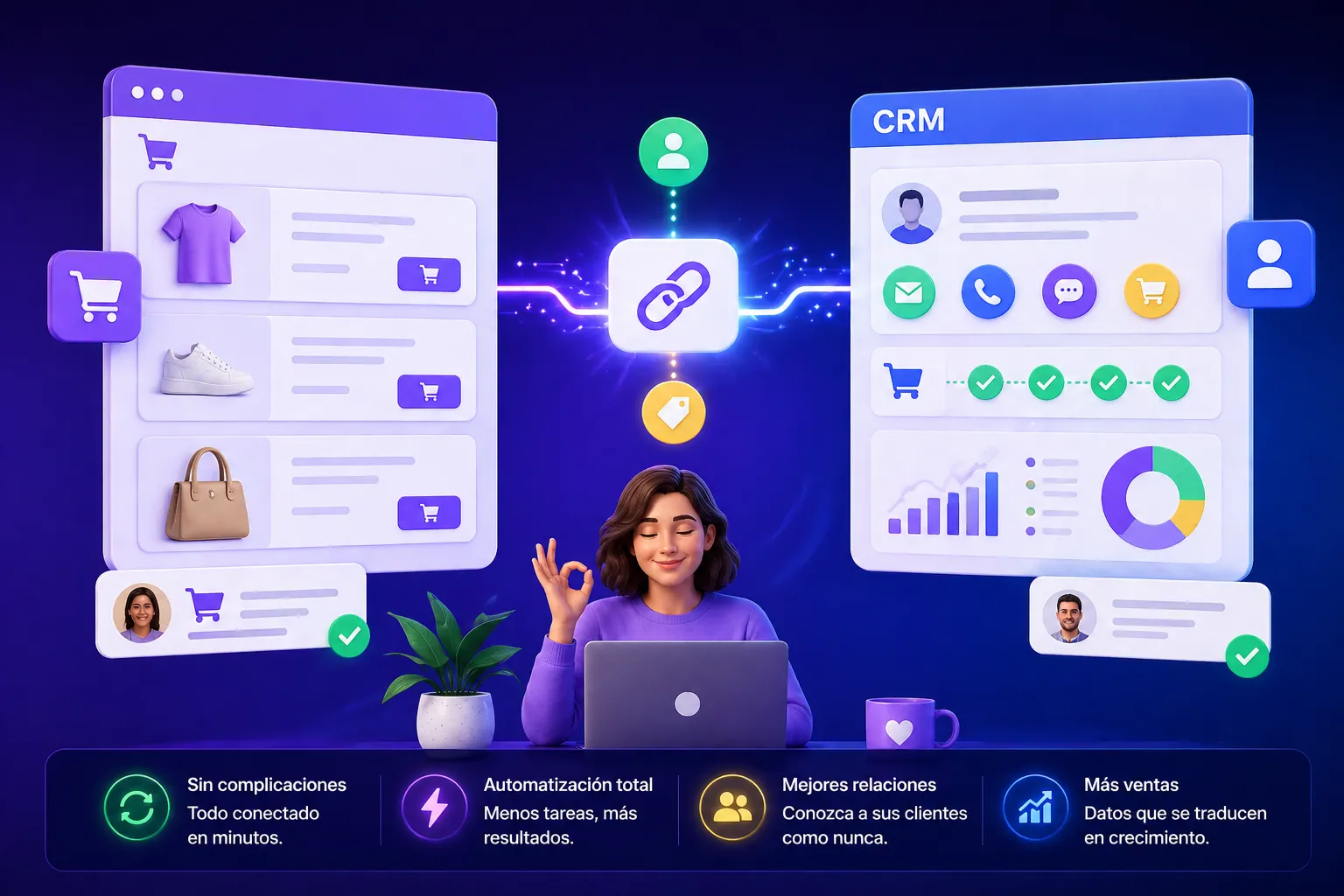
Why is it important for the CRM and online store to be connected?
When the two systems are integrated, your sales team has real-time access to each customer's complete history: what they bought, when, how much they spent, whether they have pending orders. That completely changes the way you sell: instead of calling a customer without context, the sales rep knows exactly what to offer them and when.
It also prevents errors: without integration, it's easy for a customer to be in the CRM with outdated data, or for an order not to be correctly recorded.
Which systems can be integrated?
The most common combination in SMEs is WooCommerce with Zoho CRM or HubSpot, though we also work with Shopify, PrestaShop and other CRMs. If your systems have an API — and virtually all modern ones do — integration is possible.
Which flows are typically automated?
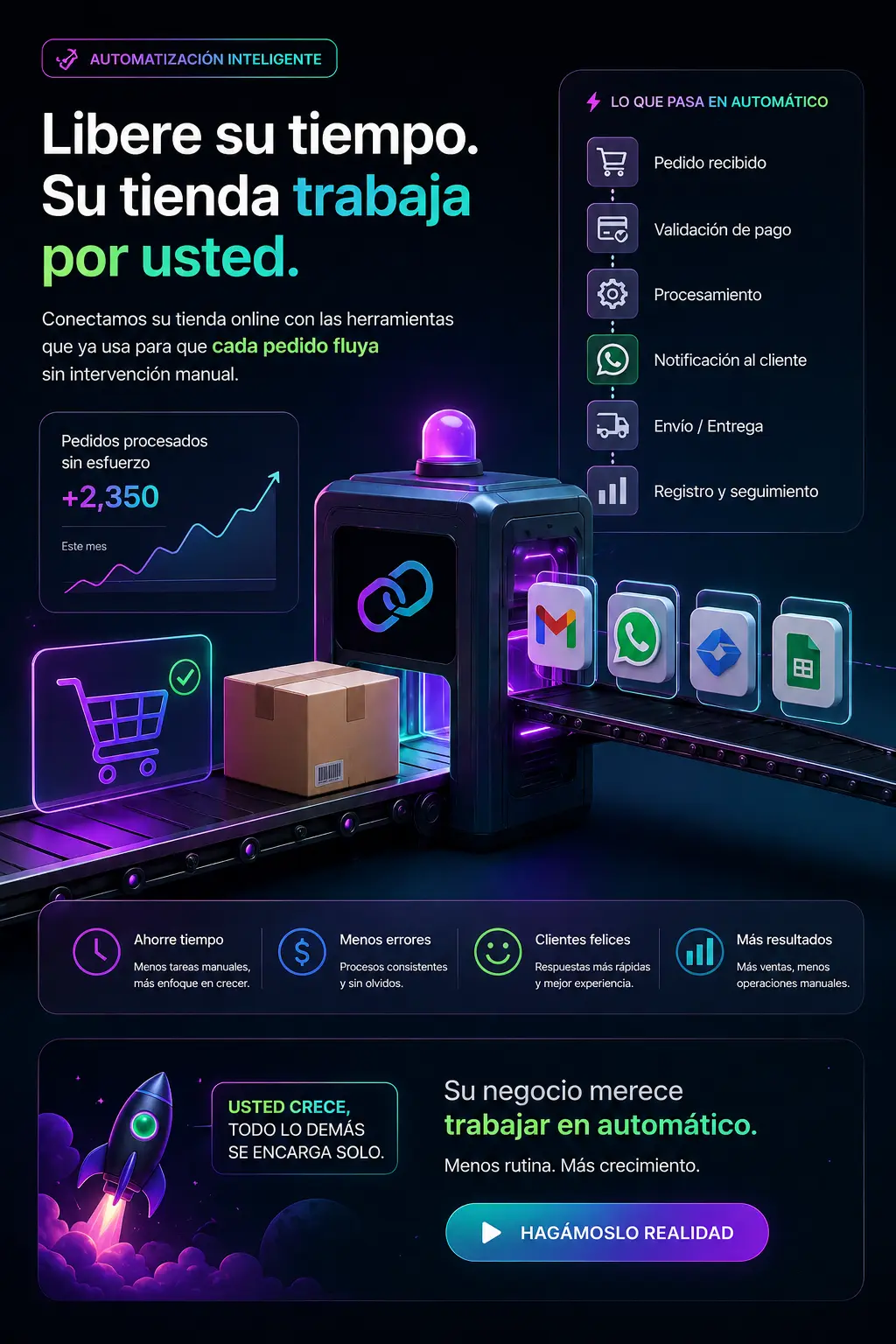
- New customer in the store → contact automatically created in the CRM with name, email, phone and address
- New order → activity logged in the customer's CRM history with the purchased products and amount
- Completed order → task assigned to the sales rep for post-sale follow-up
- Inactive customer → automatic alert to the sales team to re-engage them
How long does implementation take?
For standard integrations between well-known systems, we're talking about approximately one week. This includes flow design, implementation, testing and basic training for the team so they understand what happens and how to interpret the data in the CRM.
What if we already have data in the CRM that needs to be migrated?
That's common. In these cases, before activating the integration we carry out a data migration: we clean duplicates, unify formats and ensure that the customer history is correctly linked to their previous orders in the store. It's not the most glamorous step, but it's the most important one to ensure the integration delivers value from day one.
At EstructuraBit we integrate CRMs and online stores so your team stops losing time on administrative tasks and focuses on selling. If you'd like to know how this would work in your case, write to us.
Back to blog